Why some QR codes are free and others aren't
Static QR codes cost nothing to generate. The destination is baked into the image — once you download it, the code works forever with no ongoing service behind it. That's why virtually every QR code tool, including QR Wave, lets you generate and download static codes for free with no account required.
Dynamic QR codes are different. They need a redirect service running around the clock, plus storage for your scan data and analytics. That ongoing cost is why dynamic codes are gated to some degree on almost every platform.
The question isn't whether a free tier exists — most tools have one. The question is whether the limits fit what you're actually trying to do.
What to check before committing to a free tool
Is the downloaded file clean?
Some free tiers add a watermark or credit badge directly to the QR code image. This is a dealbreaker for anything customer-facing. Download a test code and check whether the file is clean — it should be just the QR code, nothing else.
Does it export SVG?
For digital use — website, social, email — a PNG file is fine. For print — flyers, business cards, posters, packaging — you need a vector file (SVG) so the code stays sharp at any size. A low-resolution PNG that looks fine on screen will print as a blurry mess. Check what formats the free tier actually exports.
Can you style it?
A plain black-and-white QR code works. One in your brand colours with your logo looks intentional and gets scanned more. Check whether the free tier lets you change colours, dot shapes, and corner styles — and whether you can add a logo from a built-in icon library (platform logos like Instagram, YouTube, or a WiFi icon). Uploading your own custom logo file is almost always a paid feature, and that's reasonable — it requires file storage.
How many dynamic codes do you get?
If you need trackable QR codes — ones you can update and measure — check the free tier's limit. One or two dynamic codes won't cover a multi-campaign operation. Also check whether free-tier dynamic codes expire after a set period or stay active as long as your account exists.
What does "free analytics" actually show?
Scan count is the minimum. The useful stuff — who scanned, on what device, from where, at what time — is usually behind a paid tier. Check exactly what the free tier surfaces. Also look at the history window: if free analytics only show the last 7 or 14 days, you'll lose early-campaign data before you can act on it.
What QR Wave's free plan includes
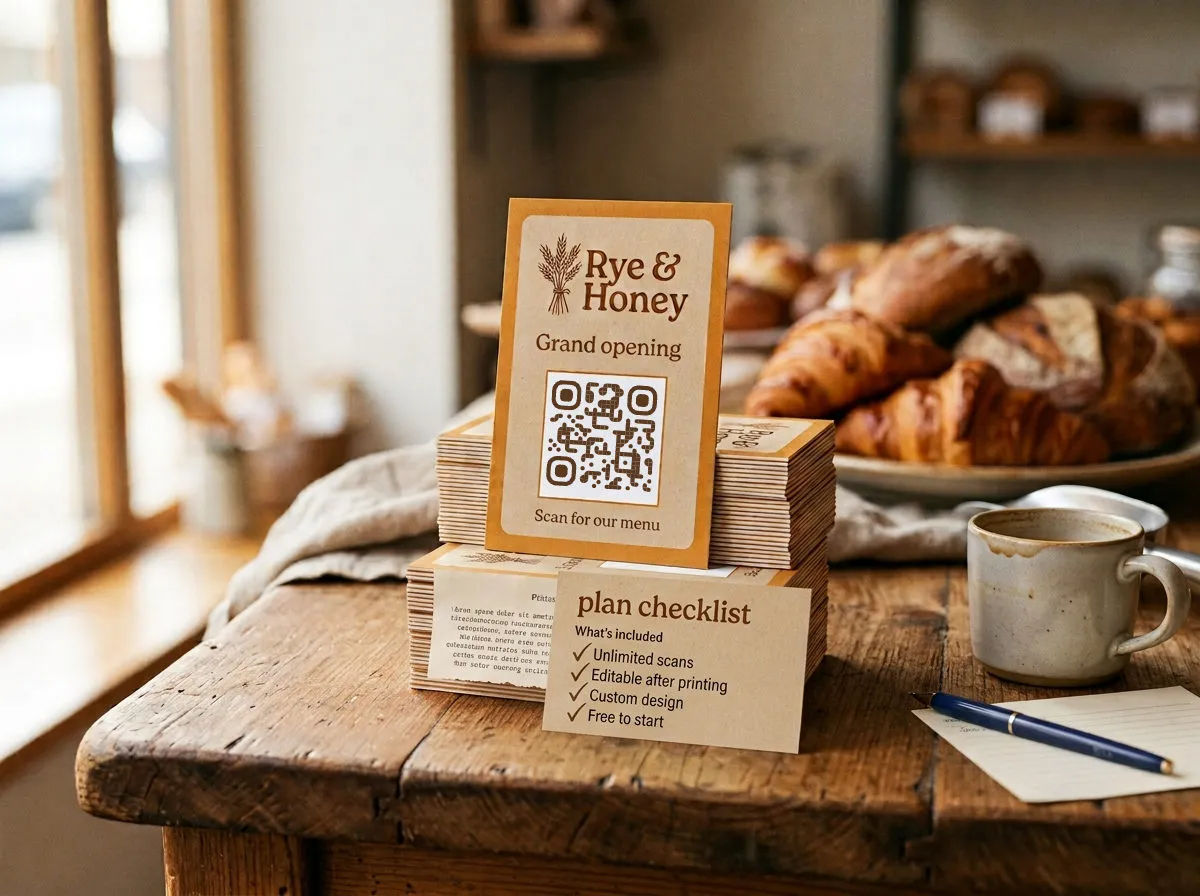
- Static QR codes: Unlimited, no watermark, SVG and PNG, full colour and style customisation, built-in logo icons — no account needed
- Dynamic QR codes: 5 codes, permanent (they don't expire while your account is active)
- Analytics: Scan count, 30-day history, up to 500 scans visible per code
- What requires a paid plan: Custom logo upload, device type breakdown, country location data, date and time breakdown, history beyond 30 days or 500 scans, more than 5 dynamic codes
The free plan is a genuine starting point, not a demo. Five dynamic codes covers a small campaign or a permanent fixture like a menu or a WiFi sign. The 30-day window and 500-scan limit mean that if a campaign takes off, you'll want to upgrade before you lose visibility into what's happening.
When free is enough
Free works well for:
- Testing whether QR tracking changes how you think about campaigns
- A single permanent code that stays the same (a restaurant menu, a WiFi sign, a contact card)
- Low-volume campaigns that wrap up within 30 days
- Any static-only use case: business cards, signage, one-time downloads
Free won't cut it for:
- Multiple simultaneous campaigns needing separate codes
- Campaigns running longer than 30 days where you want the full picture
- Anything where you need to know who scanned, on what device, or from which location — none of that is available on the free plan
- QR codes that feed into regular marketing reporting