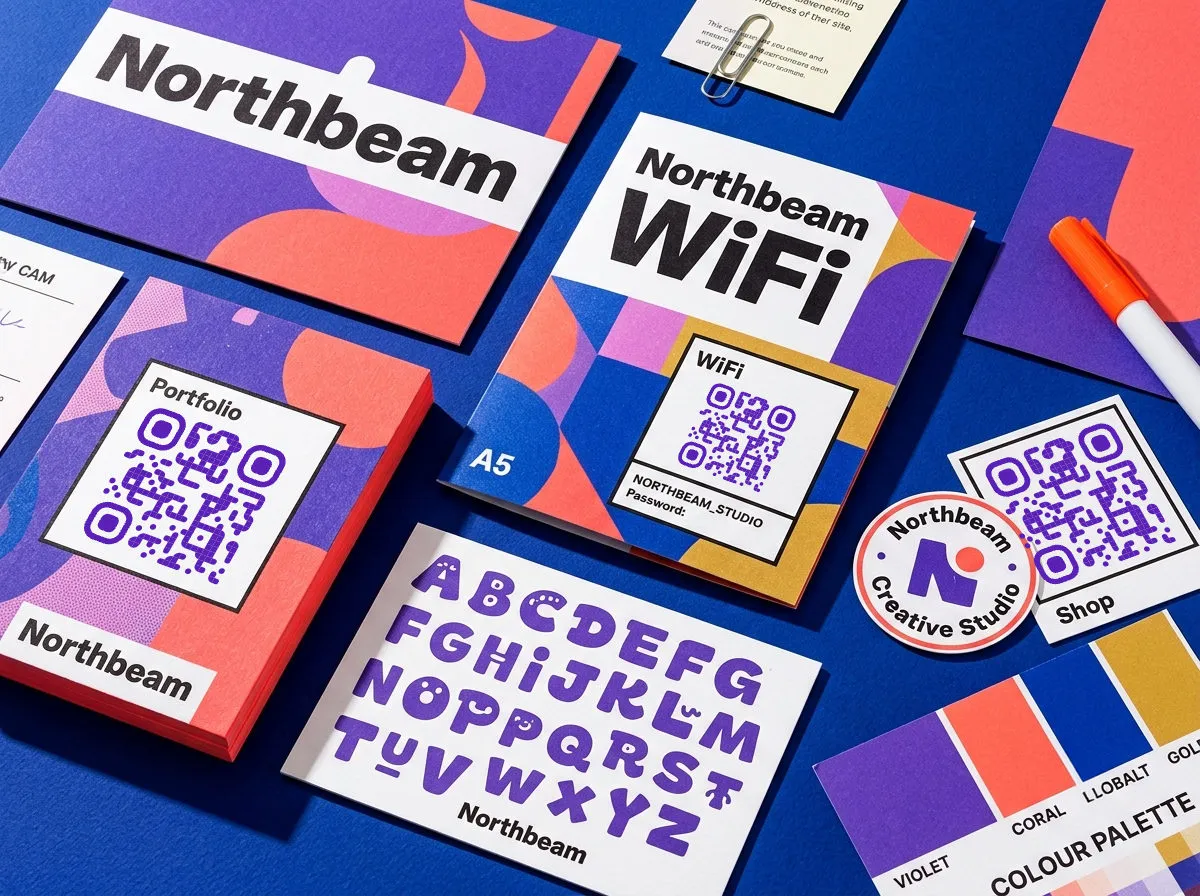
Don't start by browsing nine QR code types. Start with one question: what should happen the moment someone scans? There are only three answers — send them somewhere, hand them information, or start an action for them — and once you've picked, the type picks itself.
Send every print piece to a mobile landing page.
Let prospects save a clean contact in one tap.
Connect guests without spelling passwords aloud.
Swap the file after printing when prices change.
Accept quick payment without another device.
Add the date straight to a customer calendar.
Send people somewhere
URL is the workhorse — the type behind the large majority of business QR codes. Scan it, and the phone opens a web page: a landing page, product page, menu, or booking form. With a dynamic URL code, you can swap the destination after printing. That's the magic: your poster stays on the wall, but the landing page changes with every campaign.
Social media profile codes are URL codes with a job: they link to your Instagram, TikTok, LinkedIn, or a "link in bio" page that shows all your profiles at once. Worth treating as its own type because the CTA changes — "scan to follow" converts differently than "scan to learn more."
App store links solve the two-platform problem. A smart app store code detects the scanner's device and routes iOS to the App Store and Android to the Play Store. One code, both platforms, no "available on" logo clutter.
Hand over information
vCard stores a full contact card — name, phone, email, company, title. When scanned, the phone offers to save the contact directly. No typing, no misspelled email. This is the type that belongs on your business card; it makes the card functional instead of decorative.
WiFi encodes your network name, password, and encryption type. Customers scan and connect — no asking the barista to spell out "CoffeeSh0p_Guest_2024" letter by letter. Perfect as a table tent or wall sign in cafes, co-working spaces, Airbnbs, and waiting rooms.
PDF / file download links to a hosted file — menus, event schedules, spec sheets, instruction manuals. The file opens in the phone's browser, no app needed. Make it dynamic and you can swap the file without touching the printed code: seasonal menu, updated price list, done.
Calendar event encodes a title, date, time, and location, and adds the event to the scanner's calendar in one tap. Put it on event posters, wedding invitations, or conference badges — it turns "I should remember that" into an actual reminder.
Start an action
Email and SMS codes pre-fill a message on the scanner's phone. The friction they remove is real: "Scan to tell us how we did" with a pre-filled subject line gets replies that "email us at..." never will.
Payment codes generate a payment request — commonly PayPal, Venmo, or regional systems. Freelancers, market vendors, and small shops use them to accept payments without a card reader.
The practical setup
For most small teams, four types cover everything: URL codes for marketing, vCard for sales conversations, WiFi for hospitality, and PDF links for anything that changes often. Build one visual system around those (see design tips) instead of styling every code from scratch — and make anything printed dynamic so the type can even change later if the job does.