A business card with a QR code does double duty: it's a physical keepsake and a digital shortcut. Instead of hoping someone types your email correctly, they scan the code and your full contact info is saved to their phone in one tap.
The catch: most card QR codes link to the wrong thing, or get printed too small to scan one-handed at a networking event. Both are fixable before you print.
What to link to
- vCard: The most useful option for most people. Encodes your name, phone, email, title, company, and website. One scan saves everything — no typing, no typos.
- Portfolio or LinkedIn: If you're a designer or freelancer, your work makes a stronger first impression than your phone number.
- Booking page: For consultants and service providers — "scan to book a call" turns a card exchange into a calendar entry.
- Dynamic link: If you change jobs, numbers, or portfolio hosts, a dynamic QR code lets you update the destination without reprinting a box of 500 cards.
Pick one. A card that tries to link to everything links to nothing memorable.
Placement and sizing
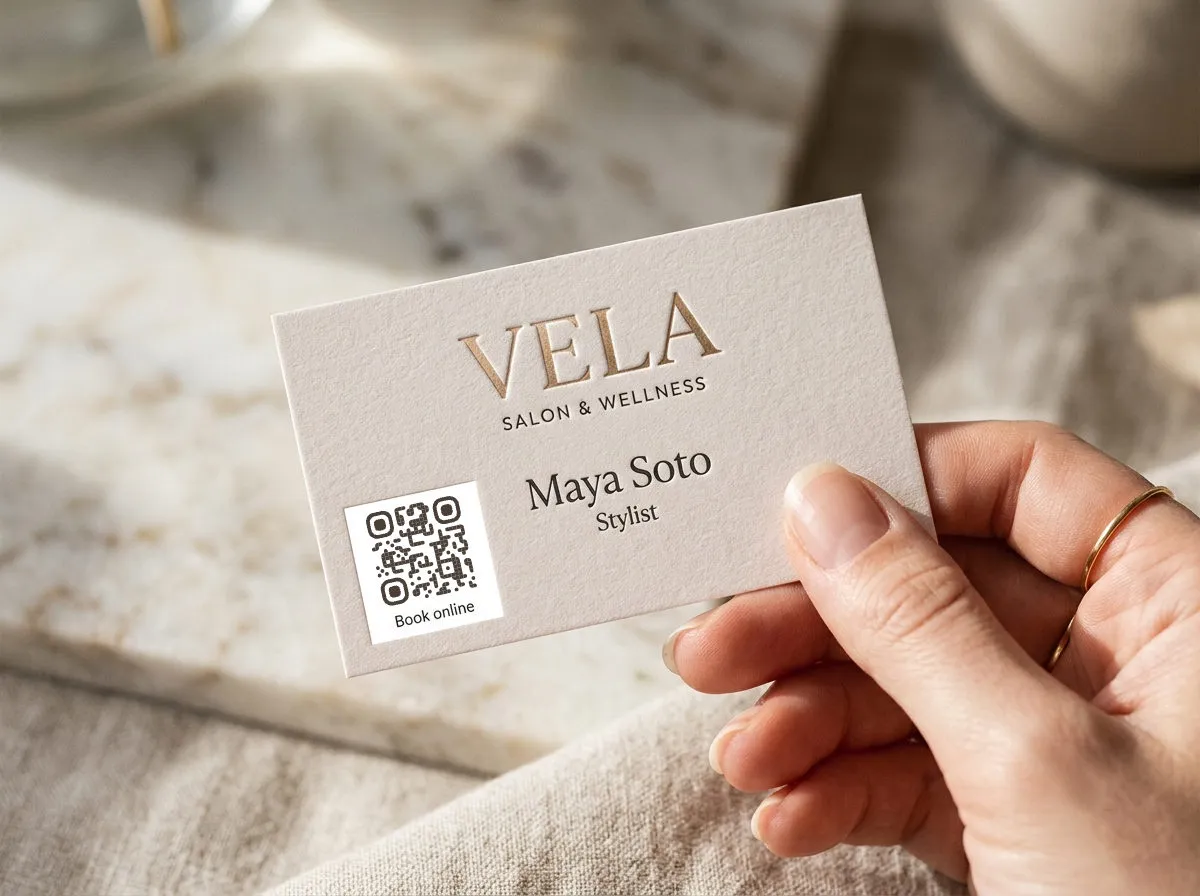
Standard business cards are 3.5 × 2 inches. A QR code works best on the back, sized between 0.8 and 1.2 inches square. That leaves room for a short call-to-action above or below: "Scan to save my contact" or "Scan for portfolio."
On the front, keep the card clean — name, title, one line of contact info. Let the QR code on the back handle the heavy lifting.
Cards get scanned at arm's length or closer, so 0.8 inches is a workable floor — but cards also get scanned in bad lighting, at crowded tables, held in one hand. If the design allows 1 inch or more, use it.
Common mistakes on cards
- Linking to your homepage. Someone who just met you doesn't want your homepage — they want your contact info or your work. Link the specific thing.
- Printing too small. Under 0.8 inches, even modern phones struggle — especially in imperfect lighting.
- No call-to-action. A bare code tells people nothing. "Scan to save my contact" tells them exactly what they get.
- Static codes on cards that outlive the info. Cards sit in wallets and desk drawers for years. If your number or employer changes, a static code on an old card is a dead end; a dynamic one still works.
- Crowding the quiet zone. Design elements touching the QR code's edges make it harder — sometimes impossible — to scan. Treat the code plus its white space as one fixed block.
Tracking which cards work
With a dynamic QR code you can see how many people actually scanned — and when. That turns a stack of cards from a leap of faith into a measurable channel.
Pro move: if you're printing cards for a specific event, give that batch its own QR code (same destination, different tracking tag). You'll learn whether conference cards get scanned more than the ones you hand out day-to-day — and whether the scans happen at the event or days later from a pocket.
Putting codes on flyers or postcards instead? Placement and sizing rules change with viewing distance — see the dedicated guide: QR codes on flyers.
For cards that link to your social profile, the social media QR code generator auto-builds the profile URL from your handle and applies the platform logo.