The QR code menu: doing it right
QR code menus went from novelty to necessity during 2020, and they've stuck around — but only the good ones. A bad QR menu is a PDF that takes 12 seconds to load on a phone. A good one is a mobile-optimized page that's faster than a paper menu.
What makes a good QR menu?
- Mobile-first design. Not a PDF. Not a desktop website squeezed onto a phone screen. A page designed for a 375px-wide viewport with thumb-friendly navigation.
- Fast load time. Under 2 seconds. Compress images, minimize JavaScript, use a CDN.
- Clear categories. Appetizers, mains, drinks, desserts — scannable headings, not a wall of text.
- Prices visible. Nothing frustrates a diner more than a menu without prices.
- Allergy and dietary info. Filterable tags (vegan, gluten-free, contains nuts) are a huge differentiator.
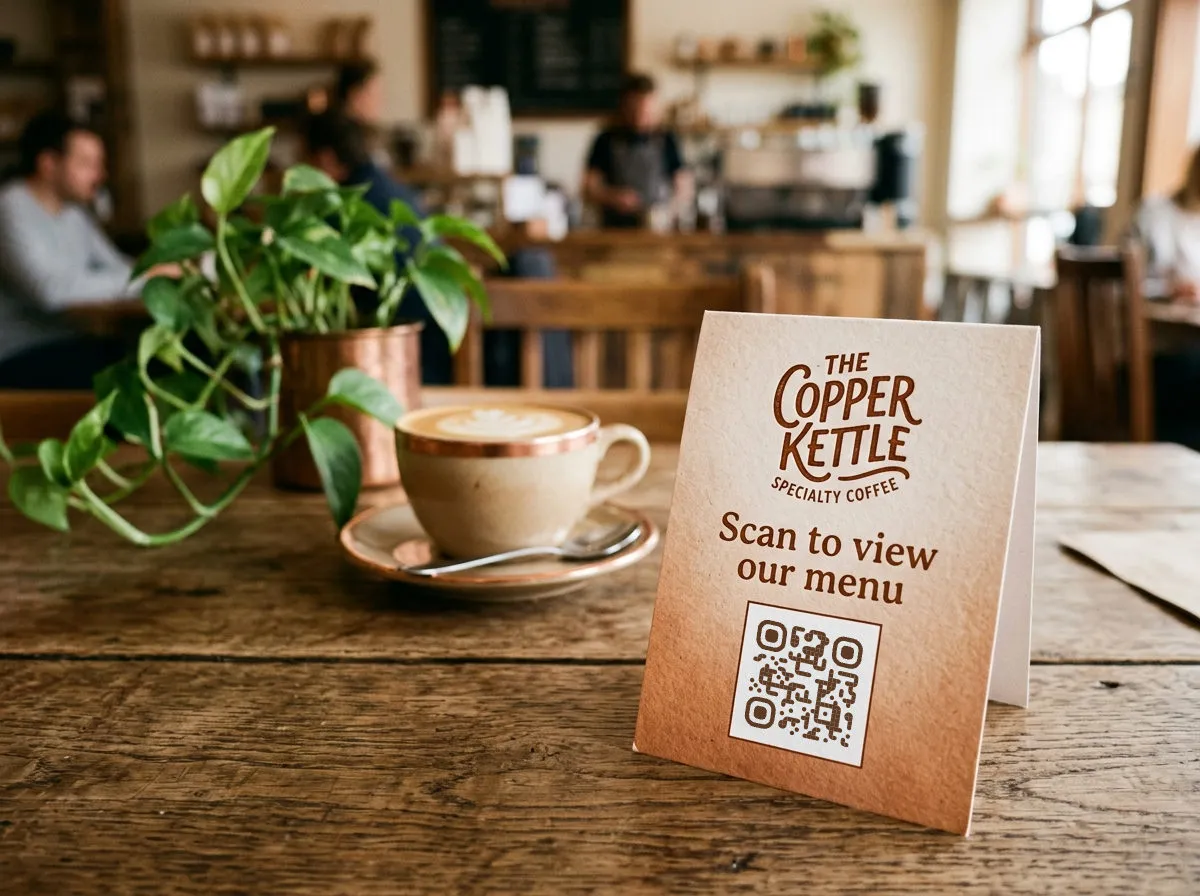
Table placement
The most common format: a small table tent, acrylic stand, or sticker on the table. Design tips:
- QR code sized at least 1.5 inches square
- Clear text: "Scan for our menu" — not just a code with no context
- Match the restaurant's visual identity — the table tent is decor, not an afterthought
- Include your WiFi QR code on the flip side — customers love this
Clean and replace table tents regularly. A bent, coffee-stained QR tent signals "we don't care about details."
QR codes on signage
Signage QR codes work differently from table-top codes because they're scanned from a distance. The sizing math changes.
Size by distance
- Counter sign (2–3 feet): 2 inches square minimum
- Window poster (4–6 feet): 4 inches square minimum
- Sandwich board (6–10 feet): 6 inches square minimum
- Wall banner or large sign (10+ feet): 8+ inches square
The 10:1 ratio is your friend: 1 cm of QR code for every 10 cm of scanning distance.
What signage QR codes link to
- Google Review page: "Loved your meal? Scan to leave us a review." Place it near the exit or on the check presenter.
- Social follow: "Scan to follow us on Instagram." Pair it with a compelling photo.
- Daily specials: A dynamic code that links to today's specials page. Update the page daily; the code stays the same.
- Job openings: "We're hiring. Scan for details." Low-friction way to reach people already in your space.
- Event calendar: "Scan to see what's happening this month." Great for bars, venues, and community spaces.
Managing QR codes across locations
If you have multiple locations, each one should have its own set of QR codes with location-specific tracking. Same design, different codes. This lets you compare scan performance across locations and tailor the linked content (different menus, different hours, different events) per site.
A bulk generation tool — upload a CSV of locations and destinations, get a zip of print-ready QR codes — turns a multi-hour manual task into a five-minute operation.
If your menu links to a video walkthrough or chef's story, try the YouTube QR code generator. For feedback forms on table tents, the Google Form QR code generator is the fastest route.