Turn your Google Form
into a code people scan.
Paste your form link, shape the code to match your brand, and download in seconds — ready for any poster, counter, or slide.
Three steps from link to print.
- 01
Paste your Google Form link
Copy the sharing URL from Google Forms (forms.gle or docs.google.com/forms) and paste it into the field above.
- 02
Customize the design
Pick colors, dot shapes, and corner shapes. Add a logo if you want — the QR stays scannable even with up to 30% of the surface covered.
- 03
Download and print
Export as PNG or SVG in the size you need. Drop it into a flyer, slide deck, table tent, or email signature.
Stick it anywhere people pause.
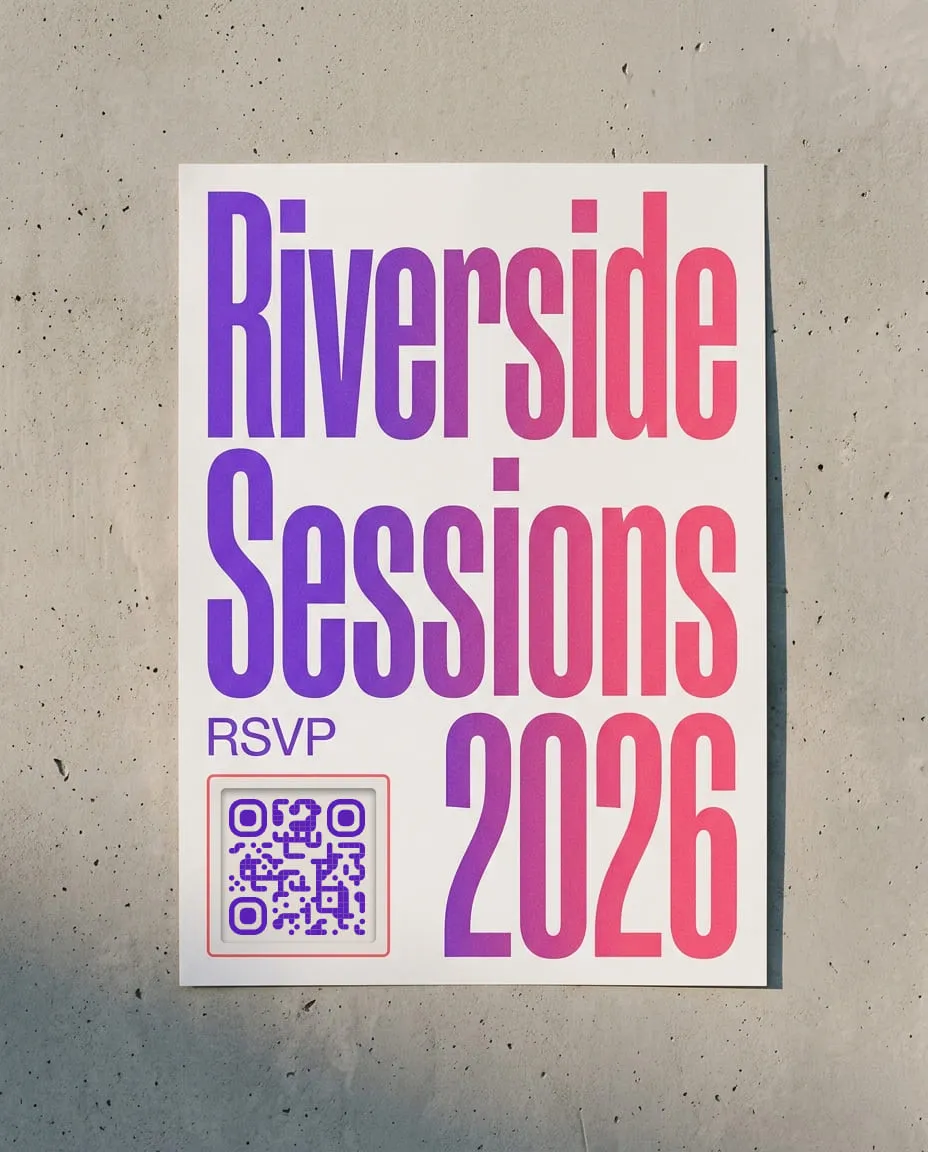
Event registration
Print the QR on event posters, banners, and handouts. Attendees scan to RSVP without typing a URL or searching for your sign-up page.
Customer feedback
Place QR codes on receipts, table tents, or checkout counters. Customers scan right after the experience — when their feedback is freshest.
Classroom assignments
Add the QR to worksheets or project slides. Students scan to open the submission form on their phone — no email links, no lost URLs.
Employee onboarding
Include the QR in welcome packets or posted in break rooms. New hires scan to complete HR forms, equipment requests, or training check-ins.
What is a Google Form QR code?
A Google Form QR code is a scannable square that encodes your form's sharing link. Point a phone camera at it and the form opens instantly — no typing, no searching, no shortened link to remember.
Why use one instead of a plain link?
Links live on screens; QR codes work everywhere else. A printed code turns any physical surface — a poster, a receipt, a name badge — into a doorway to your form, removing the friction of transcribing a long URL.
Static vs. dynamic codes
A static code bakes the URL in permanently and is free forever. A dynamic code goes through a redirect you can edit anytime, so you can swap the destination and track scans without reprinting. Dynamic codes need a free account.
Need to change the form later?
A static QR bakes the URL in permanently — if you change the form, you reprint. A dynamic QR uses a redirect you can update anytime. Swap the destination, track scan counts, see when and where people scan — all without reprinting. Dynamic QR codes require a free account.
Create a free accountReady to track your QR scans?
Free forever for static codes. Sign up to unlock dynamic QR codes with scan analytics, editable destinations, and CSV export.