A store is a stack of surfaces, not one storefront
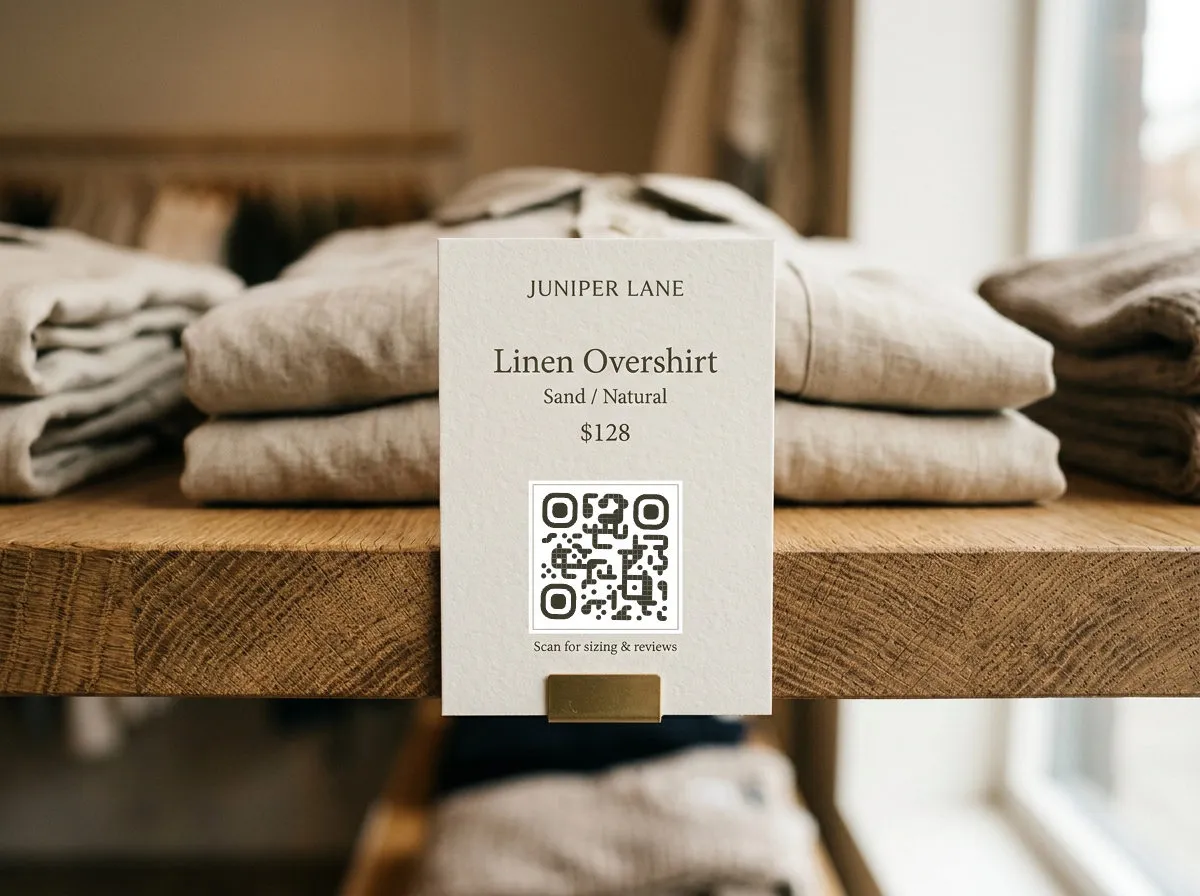
Walk a shop floor and count the places a customer could use more information than the fixture in front of them provides: the shelf tag that has room for a price and not much else, the window they're looking through when you're closed, the register receipt in their hand on the way out. Each of those is a separate surface with a separate question attached to it. A shelf tag QR code works because it answers the question standing right there — not because QR codes are inherently useful in a store.
That framing matters for what you print where. A code that answers "what size am I?" belongs on the tag next to the product, not on a poster by the door. A code that answers "can I get this if you're out of stock?" belongs at the shelf edge, not buried in a footer link. Match the code to the question, and treat the rest of this article as a list of specific placements, not a menu to blanket the store with.
Shelf tags: the highest-leverage square inch in the store
A shelf tag has room for a name, a price, and not much else. A QR code on the tag opens up everything the tag can't hold:
- Extended product info — full specs, ingredient lists, care instructions, a demo video, or comparison against similar items on the same shelf.
- Size and fit guides — for apparel and footwear, link straight to a sizing chart. It's a five-second scan against a return that costs you shipping both ways.
- Out-of-stock rescue — the item's sold through in-store but sitting in your online inventory. A code on the tag or an "out of stock" shelf marker sends the shopper to the product page instead of to a competitor's aisle.
None of this requires reprinting the tag when the underlying page changes — that's what a dynamic code is for, and the decision between a dynamic code and a static one (baked permanently to a single link) is covered in full in static vs. dynamic QR codes rather than repeated here.
One thing this article won't cover: a code printed directly on the product's own box or label is a different surface with different sizing and material constraints — curved bottles, foil labels, shrink wrap. That's owned end to end by QR codes for packaging and labels; use that guide once the code moves from the shelf tag to the product itself.
Windows that keep selling after you lock the door
A shelf tag only works while the store is open. A window display code works around the clock. Put a code on a window display, storefront poster, or the door itself, and it's live for every person who walks past after close — the browser at 9pm deciding whether to come back tomorrow, or the person who'd rather order tonight than wait. Link it to your online catalog, a specific collection featured in the window, or your hours and location page. It's the one placement in the store that has more scan opportunity outside business hours than during them.
One code per placement, not one code per campaign
If a shelf tag, a window display, and a register endcap all point at the same landing page, generate three separate codes for them anyway, even though the destination is identical. The design can be identical too — the difference is entirely in what comes back.
With separate codes, your scan data tells you which surface is actually earning attention: whether the window pulls after-hours traffic, whether the shelf tag near the register outperforms the one at the end of the aisle, whether anyone scans the receipt code at all. One shared code aggregating three placements can't tell you any of that — it just gives you a single number with no way to attribute it. How to read that data once you have it — scan volume, timing, device mix — is covered in QR code tracking and analytics.
Seasonal promos without reprinting the shelf tag
Shelf tags are physical objects; promotions aren't. If the tag's QR code is dynamic, you can point it at a holiday landing page in November and back to the standard product page in January without touching the print. Update the destination in your account and the change takes effect on the next scan — no reprint run, no swapping laminated tags across every aisle end. A static code baked to this month's sale page is the wrong tool the moment the sale ends.
Loyalty signup and receipt codes
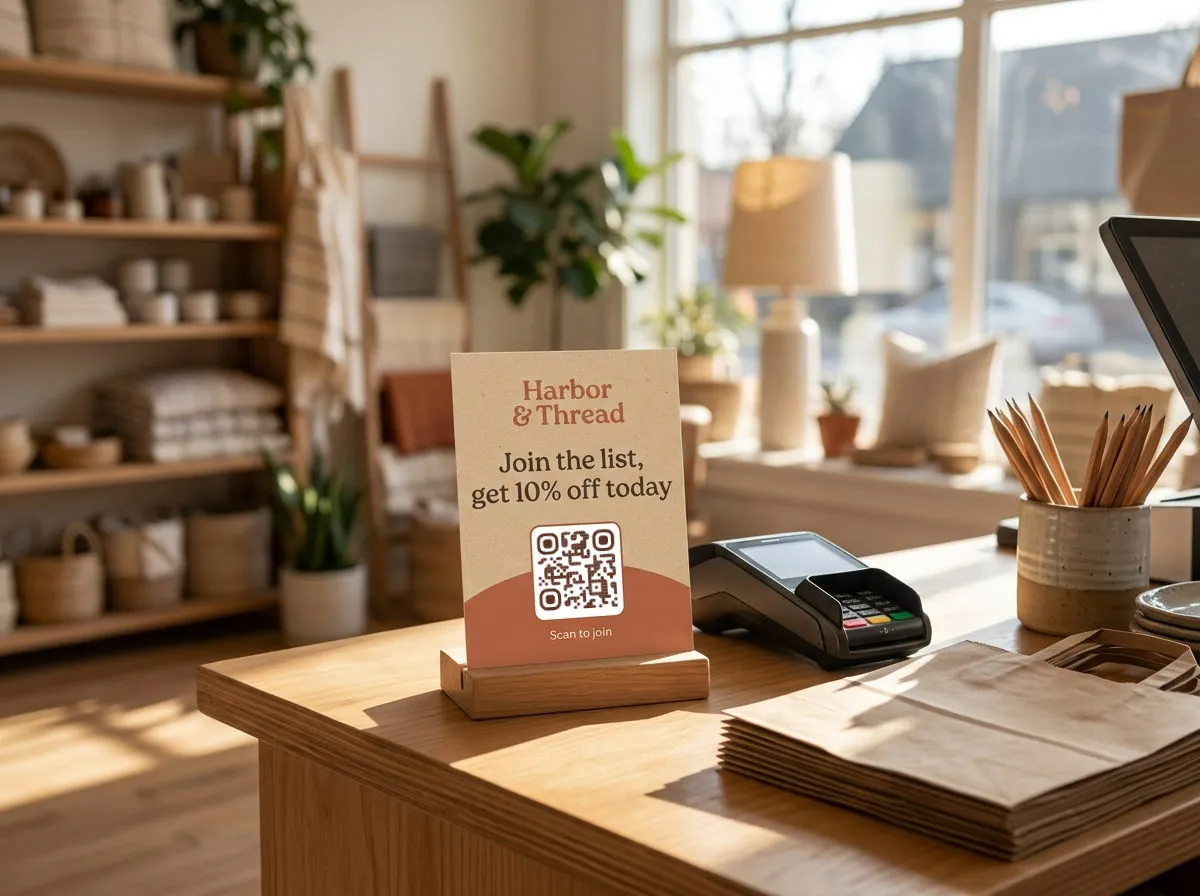
A "scan to join" code at the register or on the receipt can point to whatever signup flow you already run — a phone number field, an email capture, a simple form. If you don't have one built yet, the Google Form QR code generator turns a plain form link into a print-ready code in seconds; the form itself does the collecting, the code just gets people there without typing a URL off a countertop card. The same pattern works for a receipt code pointing to a short post-purchase survey or a reorder link.
For sizing and contrast rules once any of these codes are ready to print, see QR code design tips. And if you're weighing whether a paid plan is worth it for a single storefront versus a multi-location chain, plan limits are covered in the free QR code generator guide rather than restated here.