The problem with a printed yard sign
A yard sign is a fixed piece of coroplast that sits in the ground for weeks or months. The listing behind it is not fixed — it changes price, goes under contract, closes, and eventually disappears from the MLS. A QR code printed straight to a listing URL becomes a dead link the moment the property sells, and the sign usually stays up for another week or two after that because nobody swaps signs same-day.
A dynamic QR code fixes the timing mismatch, not the sign. The code on the sign never changes; you edit where it points from your account. Sell the house, and the same printed code can redirect to your active-listings page instead of a 404. No reprint, no site visit to swap a rider. That's the core case for using a dynamic code on anything you plan to leave in a yard for more than a few days — see static vs. dynamic QR codes for the full decision breakdown if you're weighing it against a static code for a single open house.
One code per sign, not one code per listing
If you're running signs at multiple entry points to the same subdivision, or a rider on the mailbox post plus a sign at the street, don't reuse one QR code across all of them. Generate a separate code per physical placement, even though they can all point to the identical listing page. Same design, different code — the difference is what you get back.
With separate codes, your scan history tells you which corner gets walked past, which street gets driven, and whether the sign at the highway turnoff is worth the extra $40 in coroplast. One code aggregating three sign locations tells you none of that. This is the same logic multi-location retailers use for shelf tags — see QR codes for retail — applied to physical yard placements instead of physical shelves.
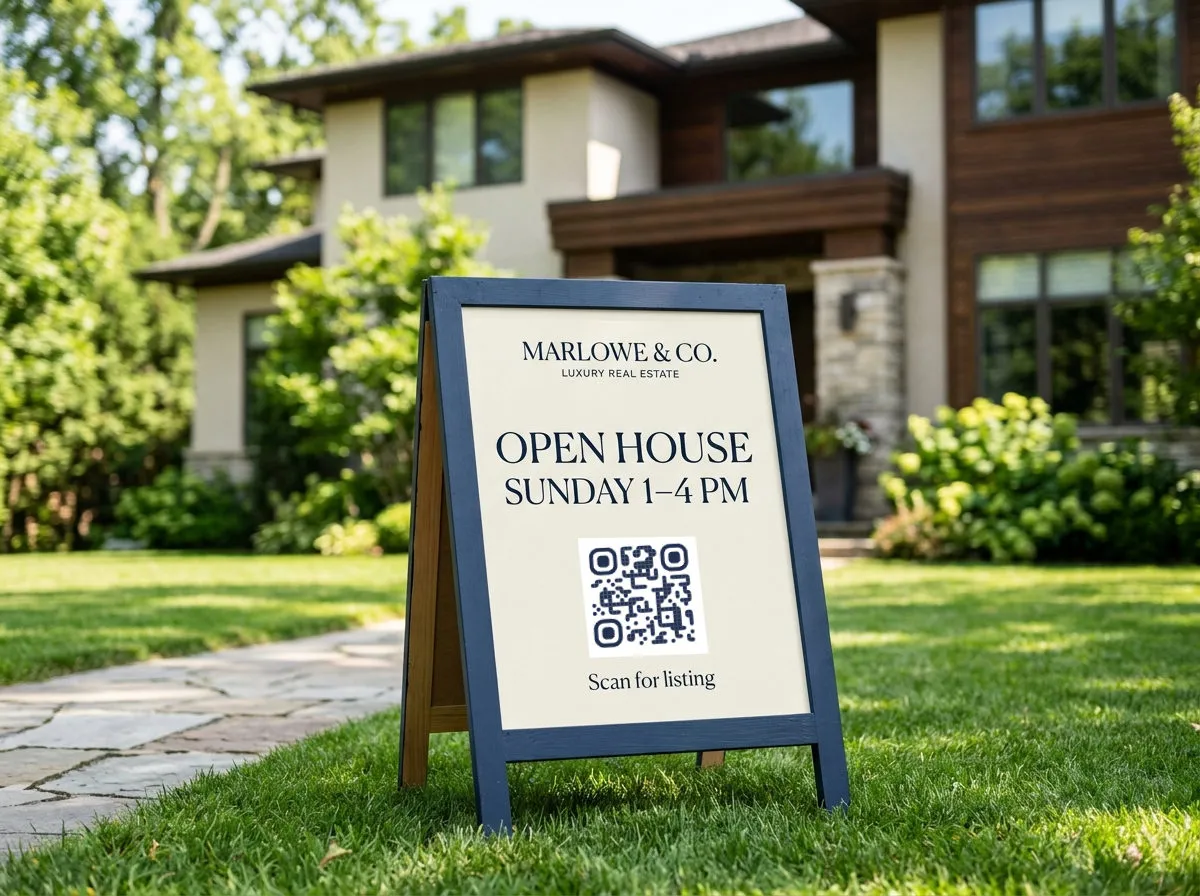
Sizing and weatherproofing (short version)
A yard sign QR code gets scanned from the sidewalk, not from someone's hand a foot away — size it at 4+ inches minimum, and use a laminated or UV-rated print so it doesn't fade or peel after a month outside. That's the summary; the full sizing math by distance and contrast rules live in QR code design tips — use that before you send anything to print.
Video walkthroughs
A yard sign or open-house flyer can't embed a video, but a QR code can point straight to one. If you've already got a walkthrough or drone flyover posted to YouTube, the YouTube QR code generator builds a code that opens the video directly — no typing a channel name, no searching. It's a fast add to a window card for a listing that's had a lot of walk-bys but few showing requests; sometimes a 90-second video answers the question a showing would have.
Open house sign-in without the clipboard
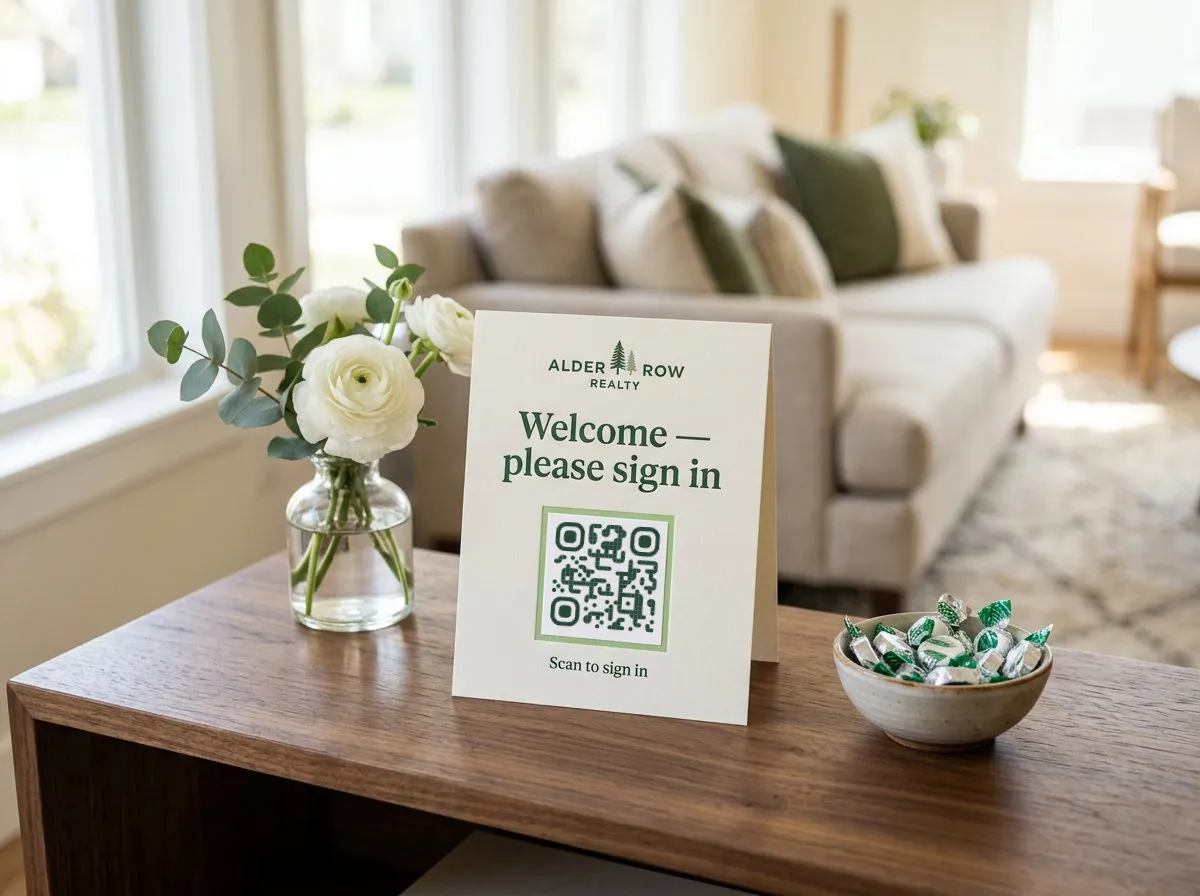
The paper sign-in sheet at an open house is a habit worth breaking: illegible handwriting, no easy way to follow up, and every visitor can see who else walked through. A cleaner option is a Google Form for sign-in — name, phone, and whether they're working with an agent — and a QR code on an entry table or the front door pointing to that form.
Worth being precise about what's doing what here: QR Wave generates the code and links it to your form; the form itself is what collects the visitor's info. Build the form in Google Forms first, then use the Google Form QR code generator to turn that form link into a code you can print and set on the entry table.
Agent branding that doesn't go stale
A QR code on a business card, yard sign rider, or car magnet that links to your active-listings page is a different case from a single-listing code — it's meant to outlive any one property. Use a dynamic code here specifically so the destination can change every time your inventory does, without touching the printed card. A static code baked to today's listings page is wrong the day you close your next deal.
What to track, and where that lives
Once codes are live across signs, riders, and open-house tables, the interesting question is which placements are earning scans and whether people who scan are converting to inquiries. That's a full topic on its own — see QR code tracking and analytics for how to read scan volume, timing, and device data without over-interpreting small numbers. If you're deciding whether a paid plan is worth it for a single listing versus a full brokerage, plan limits and pricing are covered in the free QR code generator guide rather than repeated here.