What "QR code event check-in" actually means
Search that phrase and you'll get two very different products mixed together. One is a phone at the door scanning a printed ticket, checking it against a guest list, and marking someone as arrived — that's ticketing and attendee-management software, and QR Wave isn't that. The other is a code that takes someone from "I got the invite" to "I'm on the registration page" — that's a QR code pointed at a landing page, and that's exactly what QR Wave generates and tracks.
Worth being precise about which one you're building before you print anything for a door table. If you need actual admission validation — scan, verify against a list, flag a duplicate — that's a job for dedicated event or ticketing software. QR Wave's job stops at getting people to the right page and telling you how many scanned. For a lot of small events (workshops, meetups, single-track conferences), that's genuinely all you need; a registration form and a headcount, not a turnstile.
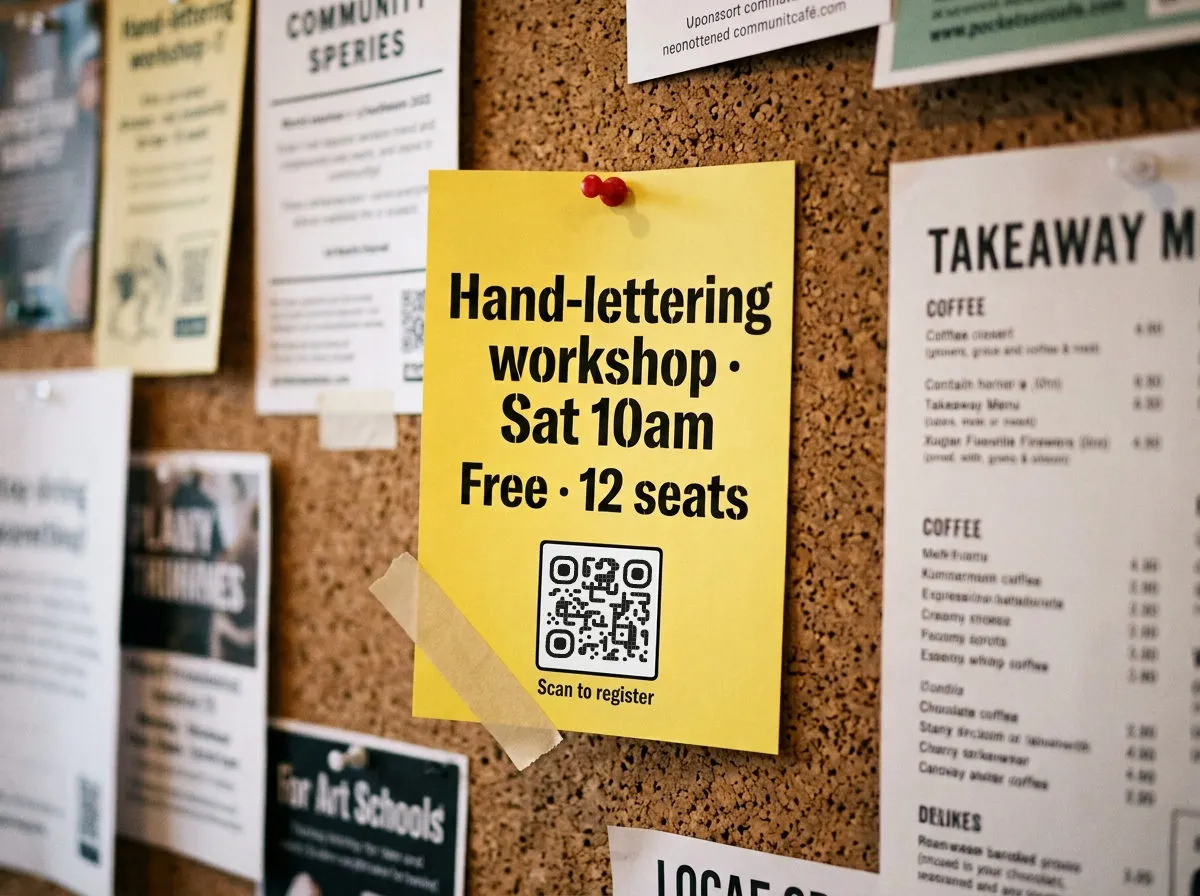
Before the event: get people to the form, not a form field
An invite, a social post, or a printed flyer with a QR code linking to your registration page is the simplest version of this. Use a dynamic code here even for a one-off event — you'll want to fix a typo in the form link or swap the venue page without reprinting anything that's already gone out. If you're deciding between a static code (fine for a flyer that's done its job after one event) and a dynamic one, static vs. dynamic QR codes covers the tradeoff in full; short version for events: anything printed more than a week before the date should be dynamic.
During the event: one code per room, not one code for the whole event
This is the part most events get wrong. A single QR code slapped on a lobby banner that says "scan for everything" tells you exactly one thing afterward: how many people scanned it. It tells you nothing about which sessions people actually walked into, which sponsor booth got attention, or whether the keynote room emptied out for the panel next door.
Give each session room, each zone, and each sponsor booth its own code instead:
- Per-session or per-zone codes. A code on the door of Room B tracks Room B independently of Room A. Compare scan counts across sessions after the event and you have a rough attendance signal by topic — useful for next year's schedule even without a formal headcount system.
- Speaker slides. A code on the closing slide of each talk, linking to that speaker's deck. Put it on its own code per talk, not one shared "all slides" code, so you can tell which sessions people wanted to revisit.
- Sponsor booth codes. Each sponsor gets a code linking to their demo, trial signup, or giveaway page. Scan count by booth is a concrete number to hand back to a sponsor after the event — more useful to them than "people seemed interested."
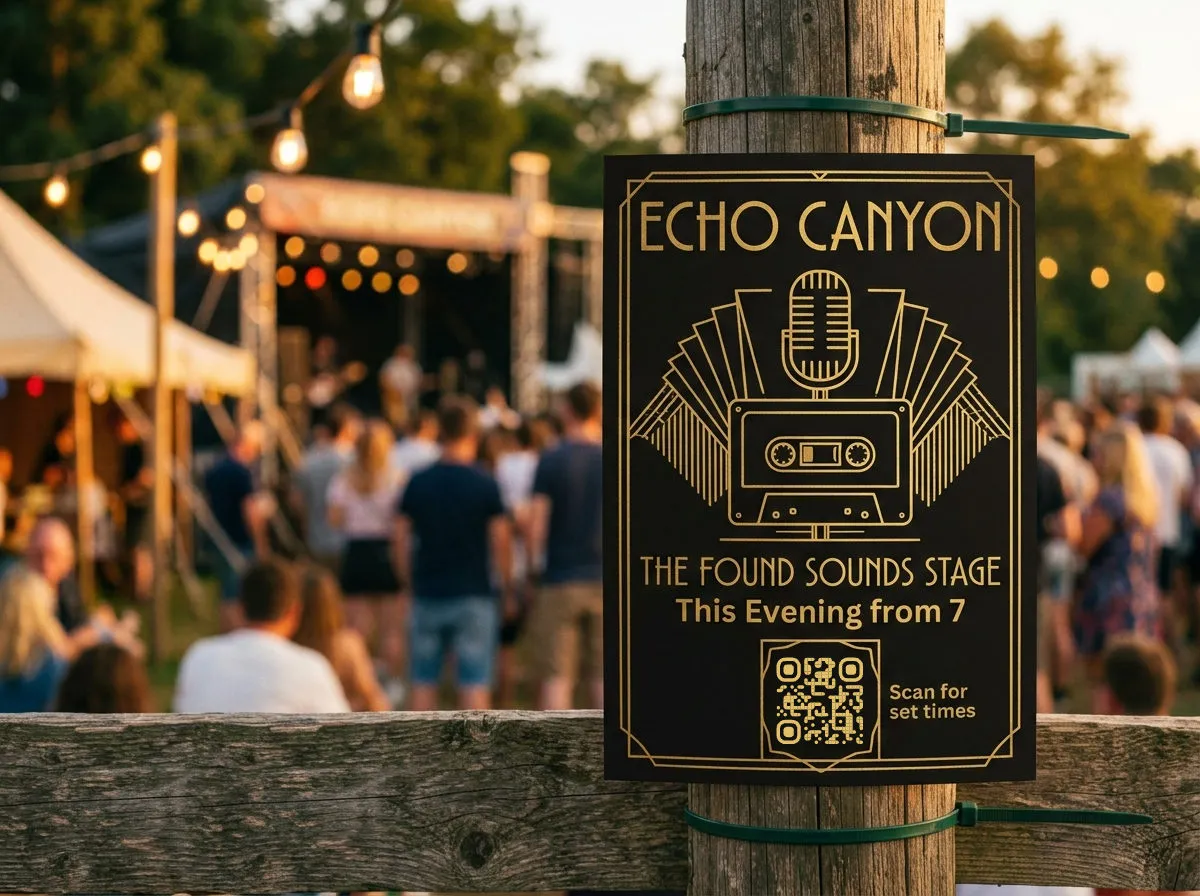
Running a multi-track event, all these codes add up fast — a two-day conference with six rooms and a dozen sponsors can easily need more dynamic codes than a single flyer campaign. Check what's included before you commit to a plan; the specifics are in the free QR code generator guide rather than repeated here.
After the event: feedback and the replay link
Feedback survey. Exit signage or the follow-up email with a code linking to a short survey works better than a link people have to type. Build the survey in Google Forms, then use the Google Form QR code generator to turn that form link into a code you can print or drop into an email.
Recording access. "Missed a session? Scan for the replay" only works if the code was printed before the recording existed — which is usually the case, since editing is done well after doors close. Use a dynamic code on exit signage or session-room posters during the event, then point that same code at the recording once it's uploaded. The printed code never changes; only where it leads does. That's the whole case for dynamic over static in one sentence, and it's covered in more depth in the static vs. dynamic guide linked above.
Reading the split data afterward
Once check-in registration, sessions, speaker slides, and sponsor booths each have their own code, the scan counts become a planning tool instead of a vanity number: which room needed a bigger space, which sponsor got walked past, whether the feedback code even got scanned relative to attendance. How to read scan volume and timing without over-interpreting small numbers is covered in QR code tracking and analytics — worth a read before you present these numbers to a sponsor or a planning committee.