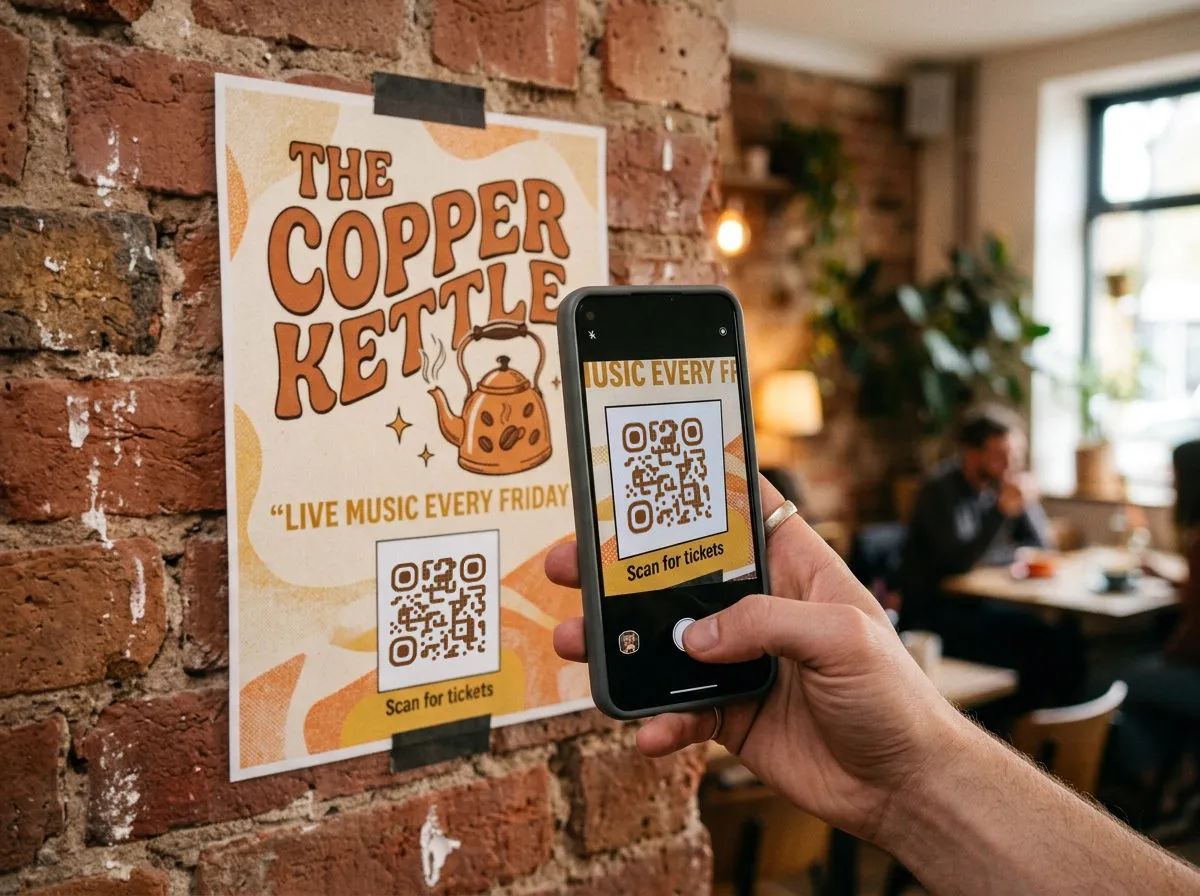
What is a QR code, exactly?
A QR code — short for Quick Response code — is a two-dimensional barcode that stores information in a grid of black and white squares. Unlike the barcodes on grocery items that hold a single number, QR codes can encode URLs, contact details, WiFi passwords, payment info, and more.
They were invented in 1994 by Denso Wave, a Japanese automotive company, to track parts on assembly lines. The "quick response" name comes from the fact that they were designed to be decoded at high speed — and that speed is exactly what makes them perfect for marketing in 2026.
How do QR codes work?
Every QR code has three main parts working together:
- Finder patterns. The three big squares in the corners. Your phone's camera uses these to figure out where the code is and which way it's oriented — even at an angle.
- Data modules. The smaller black and white dots that fill the grid. These encode your actual content using a system called Reed-Solomon error correction, which means the code still works even if up to 30% of it is damaged or covered.
- Quiet zone. The blank border around the outside. This helps the camera distinguish the QR code from whatever's around it — a poster, a label, a napkin.
When someone points their phone camera at a QR code, the software finds those three corner squares, calculates the grid dimensions, reads the pattern of dark and light modules, and decodes the stored data in milliseconds.
Static vs. dynamic QR codes
This is the single most important distinction for any business owner. A static code has its destination baked permanently into the pattern — once printed, it can never change. A dynamic code points to a redirect you control, so you can update the destination after printing and see scan analytics along the way.
Which one you need depends on what you're printing and whether it will ever change. That decision gets its own guide: static vs dynamic QR codes.
Why QR codes matter for small businesses
QR codes bridge the gap between physical and digital. A customer standing in front of your sandwich board can instantly land on your lunch menu, your Instagram, your Yelp page, or a coupon — without typing a single character.
For small businesses, that's a direct conversion path with zero friction. No app to download, no URL to remember. The camera is already in their hand.
- Restaurants: contactless menus, Google review prompts, loyalty signups
- Retail: product info pages, size guides, restock notifications
- Service providers: booking links, quote request forms, portfolio pages
- Events: ticketing, check-in, schedule PDFs, sponsor shout-outs
How to get started
Creating your first QR code takes about 30 seconds: pick a generator, choose your QR type (URL is the most common for beginners), paste your destination link, style it to match your brand, and download. The full walkthrough — including how to test before you print — is in how to create your first QR code.