QR codes on business cards
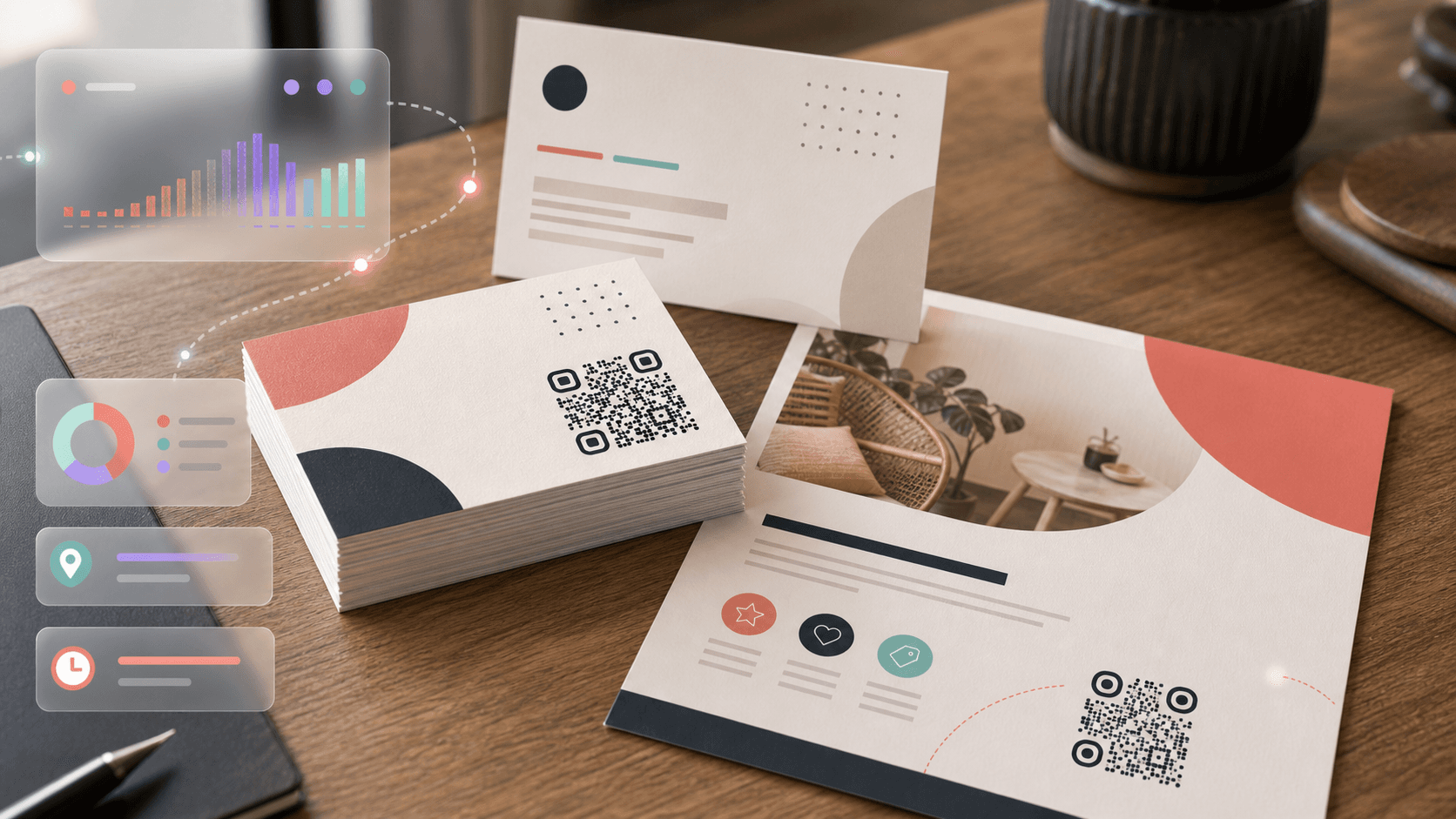
A business card with a QR code does double duty: it's a physical keepsake and a digital shortcut. Instead of hoping someone types your email correctly, they scan the code and your full contact info is saved to their phone in one tap.
What to link to
- vCard: The most useful option. Encodes your name, phone, email, title, company, and website. One scan saves everything.
- Portfolio or LinkedIn: If you're a designer or freelancer, link to your work.
- Booking page: For consultants and service providers — "scan to book a call."
- Dynamic link: If you change jobs or numbers, a dynamic QR code lets you update the destination without reprinting cards.
Placement and sizing
Standard business cards are 3.5 × 2 inches. A QR code works best on the back, sized between 0.8 and 1.2 inches square. That leaves room for a short call-to-action above or below: "Scan to save my contact" or "Scan for portfolio."
On the front, keep the card clean — name, title, one line of contact info. Let the QR code on the back handle the heavy lifting.
Bring this flyer for a same-day bouquet upgrade.
Saturday only · 9 AM - 2 PMQR codes on flyers and postcards
Flyers are disposable. The information on them isn't. A QR code turns a flyer from "glance and toss" into "scan and save."
What to link to
- Event RSVP or tickets: "Scan to reserve your spot"
- Coupon or offer: "Scan for 20% off your first order"
- Menu or catalog: Link to a full-screen version the paper version can't match
- Video: A 30-second product demo lands harder than three paragraphs of copy
Placement best practices
Put the QR code in the bottom-right quadrant — that's where the eye naturally lands last on a left-to-right reading flow. Size it at least 1 inch square for arm's-length scanning.
Common mistakes
- Linking to a non-mobile-friendly page. People are scanning with phones. If the landing page doesn't work on mobile, you've wasted the scan.
- Printing too small. Under 0.8 inches, even modern phones struggle — especially in imperfect lighting.
- No call-to-action. "Scan me" tells people nothing. Be specific about the value.
- Static codes on reprinted materials. If you're printing 5,000 flyers, use a dynamic code. Catching a typo in the URL after printing is a $500 lesson you only need once.
- Forgetting the quiet zone. Design elements touching the QR code's edges make it harder (sometimes impossible) to scan.
Tracking what works
With dynamic QR codes, you can see exactly how many people scanned each flyer run, which locations drove the most scans, and what time of day people engage. Use that data to double down on what works and cut what doesn't.
Pro move: give each flyer batch its own QR code (same destination, different tracking tags). You'll learn whether the coffee-shop flyers outperform the co-working-space ones.
For business cards that link to your social profile, the social media QR code generator auto-builds the profile URL from your handle and applies the platform logo.