The menu is the least interesting QR code in your restaurant
Every restaurant has a menu QR code by now — it's table stakes, not a differentiator. For the specifics of building a good one (placement, sizing, what makes a menu page actually load fast), see QR codes for menus & signage. If your menu is a PDF, QR Wave Pro can host the file behind its own code, so a new menu means uploading a replacement, not reprinting the code. This article is about everywhere else a QR code earns its keep: the moments before, during, and after the meal where a code can do something a laminated card can't.
The common thread across all of these: a restaurant has a handful of physical touchpoints — table, check presenter, to-go bag, front window — and each one is a chance to either collect a signal (a review, a loyalty signup) or push one out (today's special, a reorder link). A QR code is the cheapest possible bridge for either direction, but only if you treat each placement as its own thing worth measuring, not one code copy-pasted everywhere.
Table codes that do more than show the menu
A table code doesn't have to dead-end at the menu PDF. The same acrylic stand or sticker can carry a second line: "Scan again to reorder" pointing at a page with your most-ordered items and a phone number for the counter, or a QR code that links to your online ordering platform for guests who want another round without flagging someone down. QR Wave doesn't run the ordering system — you're linking out to whatever platform already handles that — but the code sitting on the table is yours to design, brand, and swap without reprinting the tent card, since editing a Dynamic QR's destination doesn't touch the printed code itself.
If you run multiple tables or sections, give each its own code rather than one code shared table-wide. A code labeled "Patio 4" versus "Bar 2" turns scan history into a rough heat map of which seating actually engages — more on reading that data below.
Google reviews, at the moment people are already reaching for their phone
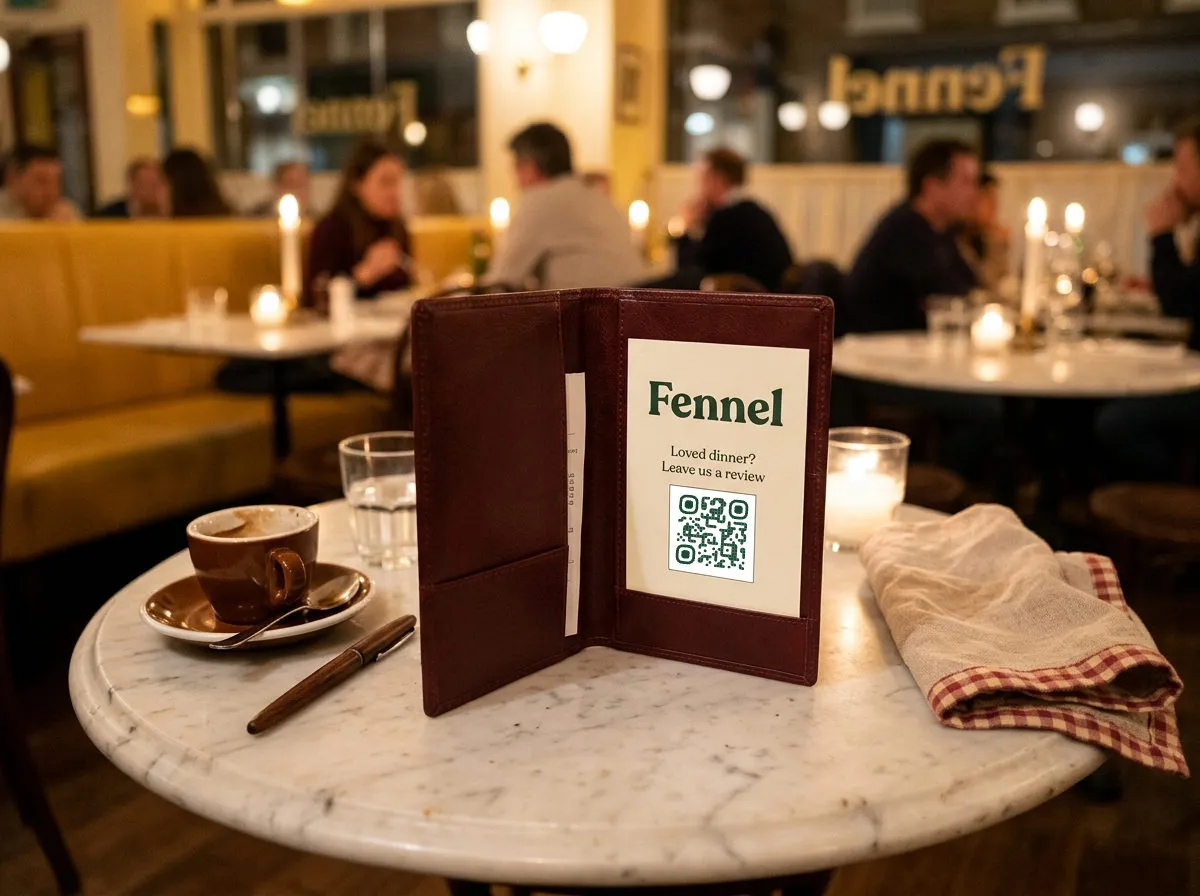
The highest-conversion moment for a review request isn't the follow-up email three days later — it's the check presenter, right when the meal was good and the phone is already in hand. A QR code on the check folder or a small stand near the register, linking straight to your Google Business review page, skips the "search for the restaurant, tap through three screens" friction that kills most review asks. QR Wave's Google review QR code (Pro) finds your listing by name and opens the review box directly, no Place ID hunting.
Keep this one separate from your menu code. A review QR mixed into the same code as the menu makes it impossible to tell whether anyone actually found the review link, versus just eating dinner.
Loyalty signup without the punch card
"Scan to join" replaces the paper punch card and the "what's your phone number" script at checkout. Point the code at whatever signup form your loyalty tool uses — QR Wave generates and tracks the code, not the loyalty program itself. Put it on the check, at the register, or on a small counter card near the pickup shelf for to-go orders, since that's often a guest you'll never see walk to a table.
Seasonal specials without a reprint
This is where a Dynamic QR code changes the economics of a printed sign. Print a window cling or a small easel card once — "Scan for today's specials" — and point the code at a specials page you update as often as the kitchen changes. The code on the sign never changes; only the destination behind it does. That's the core Static vs. Dynamic QR tradeoff, and if you're not sure which type fits a given placement, the full breakdown is here — short version for this use case: anything you'll update more than once should be a Dynamic QR code.
The same logic covers takeout and delivery links. A code by the register or on the to-go bag that points to your ordering page means you can redirect it to a different platform later — say you switch delivery providers — without touching anything already printed.
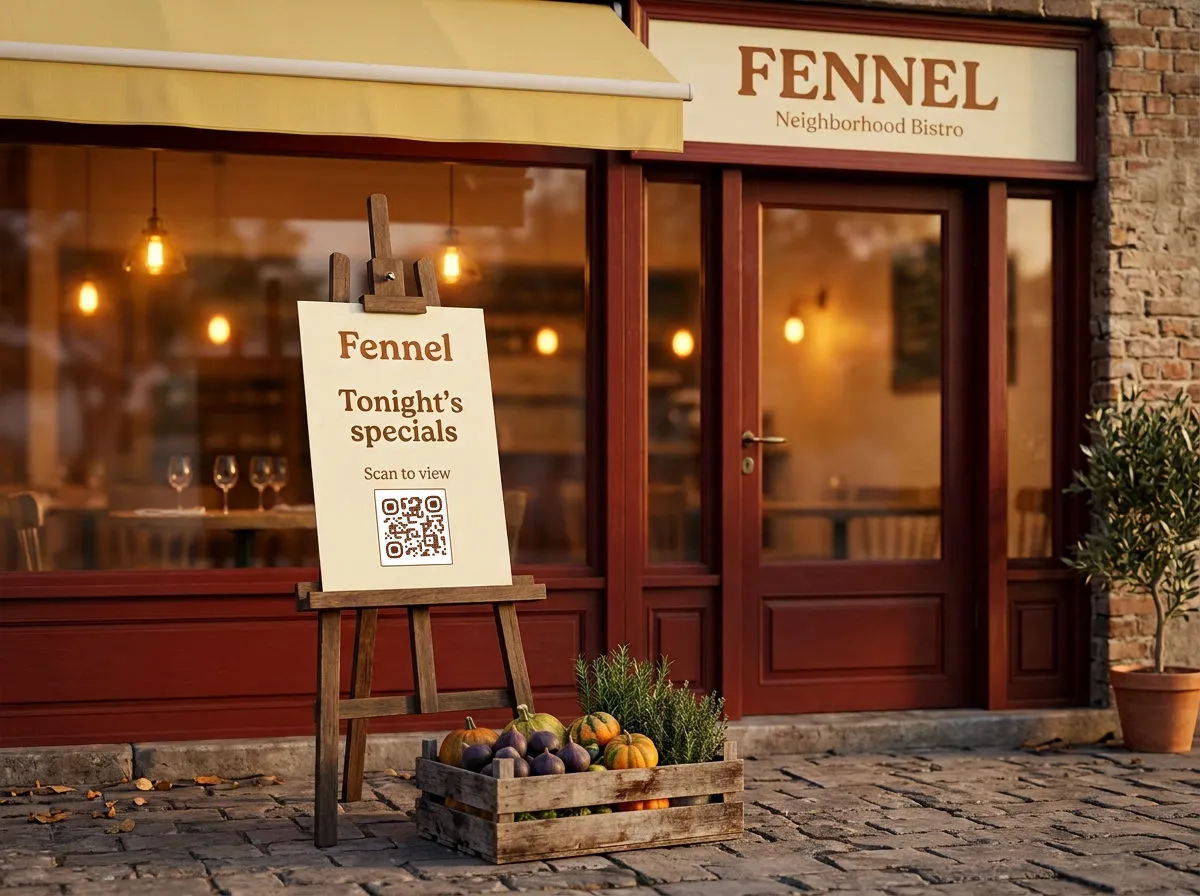
Finding out which table, which code, actually gets scanned
Once you've split codes by purpose and location — menu, reorder, review, loyalty, specials, each on its own Dynamic QR code — scan counts start telling you something. A specials code by the door that never gets scanned versus one on the counter that does is a placement problem you can actually fix, not a guess. Reading that data well (what a scan actually tells you, what it doesn't) is covered in QR code tracking and analytics; the short version is that scan count and location are the two signals worth checking weekly, and everything else is secondary for a single-location restaurant.
None of this requires more than a handful of codes for most restaurants — menu, reorder, review, loyalty, specials covers nearly every case above. Whether that set fits the free plan or you're weighing paid for multiple locations, the free plan breakdown has the specifics.
For printed table tents, window clings, or check-presenter cards, the sizing and contrast rules are the same ones that apply to any small-format print — see QR code design tips before you send anything to the printer. And if a code is going up as a poster-sized front-window cling instead of a table tent, that's covered under signage too, not a separate format.