What is a Google review QR code?
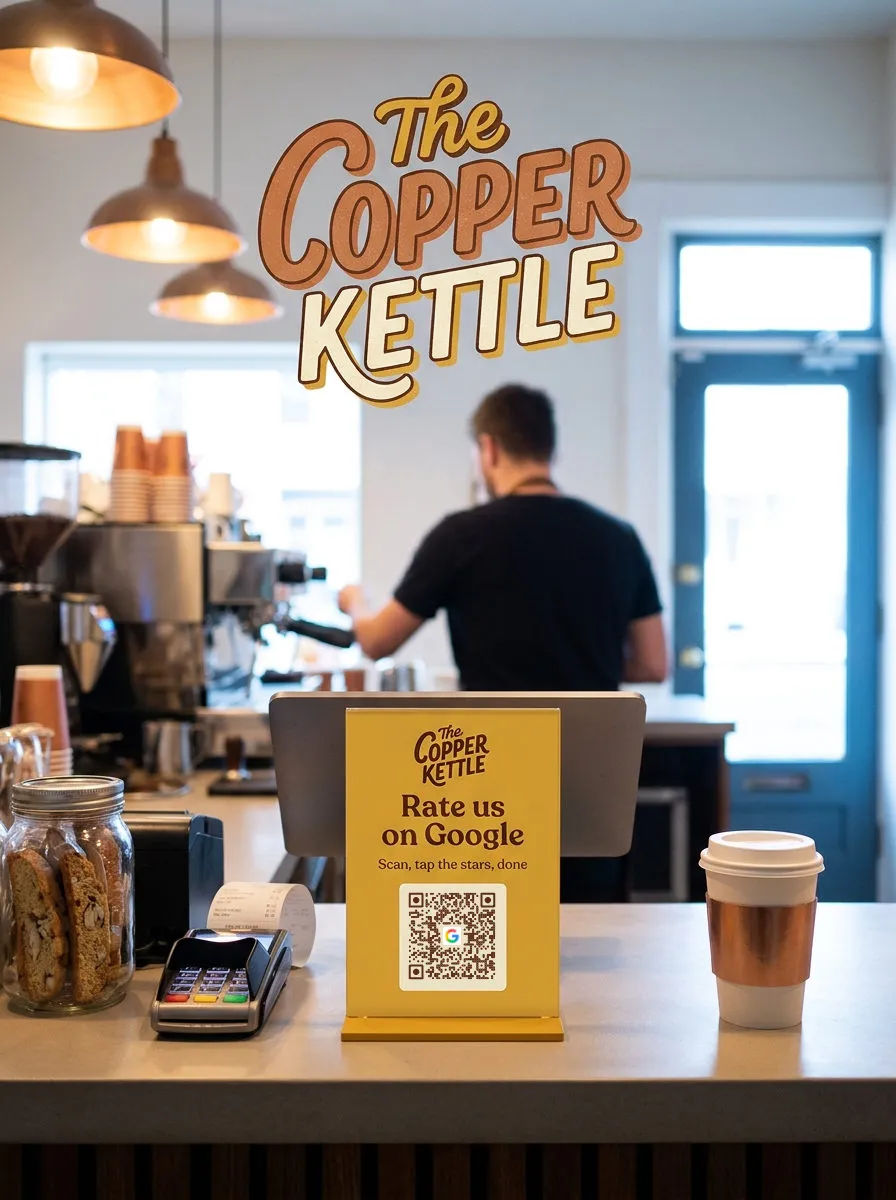
A Google review QR code is a printed code that opens the Google review form for one business when a customer scans it with a phone camera. It turns "please leave us a review" into a single scan.
Ask while the visit is fresh
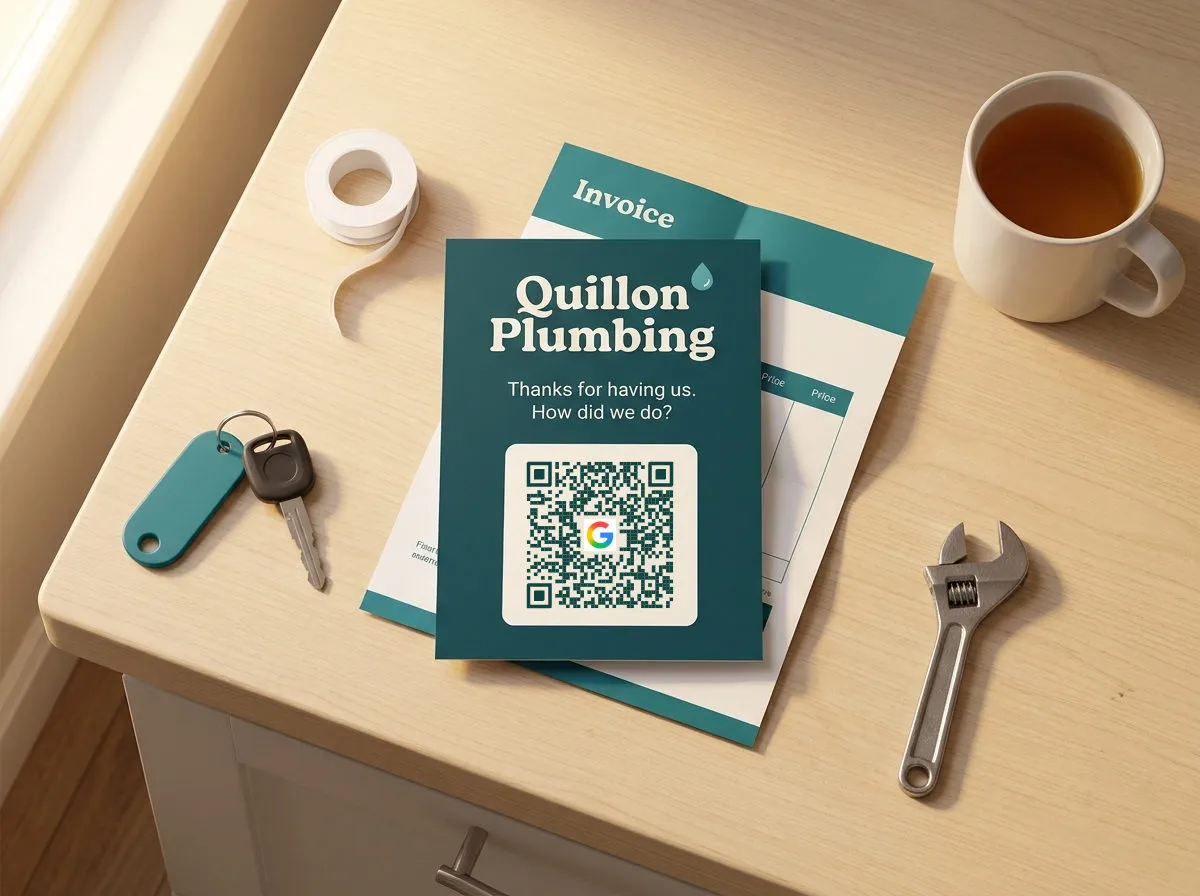
Most happy customers mean to leave a review and never get around to it. A code on the bill folder or the counter catches them at the end of the visit, phone in hand, before the moment passes.
Where the review link comes from
Every business on Google Maps has a Place ID, and the review form is opened by a link that carries it. Google Business Profile gives owners a short version of that link. QR Wave builds it for you when you pick your business by name.
Static vs. Dynamic QR codes
A review link rarely changes, so a Static QR code works for most counters. A Dynamic QR code adds scan counts per placement and can be repointed if Google gives your listing a new Place ID. Both are included with Pro.
Moved or rebranded? Keep the code.
Google can give a business a new Place ID, for example after it moves, and links built on the old one stop working. A Dynamic QR code is repointed from the dashboard, so the printed bill folders keep working, and scan counts show which placement customers use.
Create a free accountWhy not just ask customers to search for you?
Searching means typing your name, picking the right listing out of the results, scrolling to the reviews and tapping "Write a review". A business with a common name shows other listings with the same name, and most people stop partway. A QR code skips every step: one scan opens the rating box for your listing and no other. Google Business Profile can make a plain code for you, from a computer only. QR Wave lets you find the business by name, put the Google logo and your colors on the code, and count how many people scan it.
What link does a Google review QR code open?
The code stores a link to your review form. Google hands out review links in a few shapes, and only some of them open the form itself.
| Link | Where it comes from | Opens |
|---|---|---|
| search.google.com/local/writereview?placeid=PLACE_ID | Built from your Place ID (QR Wave's business search does this) | Your listing in Google Search, with the review box open |
| g.page/r/CODE/review | Google Business Profile, under "Get more reviews" | Your listing in Google Maps, with the review box open |
| maps.app.goo.gl/CODE | Google Maps, Share | Your listing, not the form. It carries no Place ID, so QR Wave asks for another link |
What is a Place ID?
A Place ID is Google's unique code for one business listing, a string that usually starts with "ChIJ". The review link needs it to know which business to review. QR Wave looks it up when you pick your business from the search list, so you never have to find it yourself.
Do customers need a Google account?
Yes. Google only accepts reviews from signed-in accounts, and anonymous reviews aren't possible. A customer without one can create a Google Account with any email address, not just Gmail.
How do I get more scans from a Google Review QR code?
- Ask at the end of the visit. The best moment is when the visit ends: the bill arrives, the client pays, the job is signed off. A follow-up email days later reaches people who have already moved on.
- Ask everyone, and don't pay for reviews. Google's review policy forbids asking only happy customers, discouraging negative reviews, and offering a discount, gift or payment in exchange for a review. Reviews that break it can be removed. Put the code where every customer sees it, not just the ones who smiled.
- Say how long it takes. Put a short line beside the code, like "Rate us on Google, it takes 30 seconds". People scan more when they know the ask is small.
- Use one code per placement. Give the bill folder and the counter card their own Dynamic QR codes. Scan counts then show which spot customers actually use, so you can move the card that nobody scans.
- Test on two phones before printing. Scan once on a phone signed into Google and once on one that isn't. Check that the form opens for the right business and that the sign-in step is the only extra screen.
Frequently asked questions
How do I find my Google review link?
In Google Business Profile on a computer, open Reviews, then "Get more reviews", and copy the link. With QR Wave you can skip that: type your business name in the dashboard, pick it from the list, and the review link is built for you.
Do customers need a Google account to leave a review?
Yes, Google only publishes reviews from signed-in accounts. People who aren't signed in are asked to sign in when the form opens, and anyone can create an account with a non-Gmail address.
Can I offer a discount in exchange for a review?
No. Google's policy forbids offering payment, discounts or free goods for reviews, and selectively asking customers you expect to leave a good one. Reviews that break the policy can be removed. Ask every customer the same way and let the code do the work.
Can I see how many reviews came from the QR code?
Not directly. QR Wave counts scans, by day, country and device, but Google doesn't say which reviews came from a scan. Comparing your scan count with new reviews over the same weeks gives a fair estimate.
Why is the Google review QR code a Pro feature?
Finding your business by name runs on Google's Places search, which we pay for on every lookup. Pro costs $10 a month or $78 a year and also includes Dynamic QR codes and full scan analytics.
What happens to my printed code if I cancel Pro?
It keeps scanning. QR Wave never switches off a printed code. On the Free plan, Dynamic QR codes show a short QR Wave landing page before the review box opens, and editing locks if you have more Dynamic QR codes than the Free plan includes.