What is a WiFi QR code?
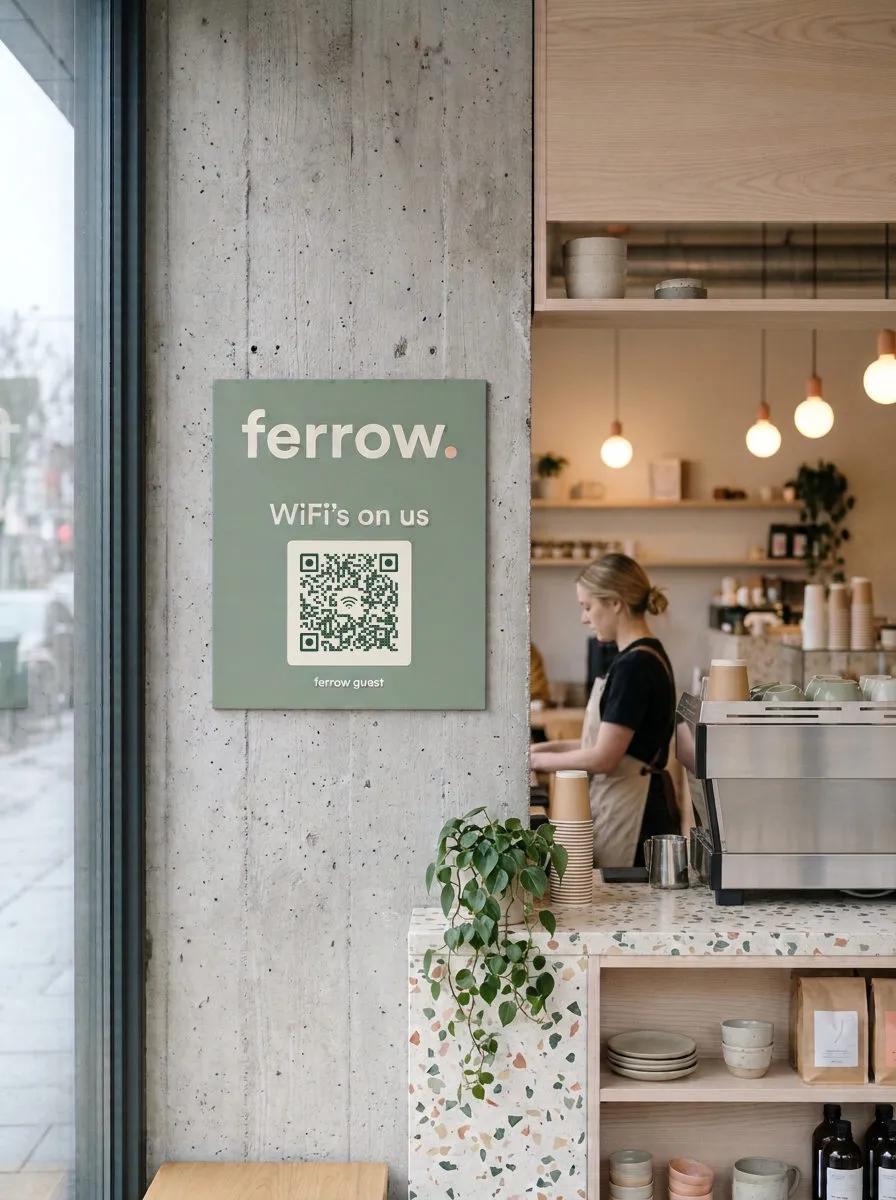
A WiFi QR code is a printed code that stores a network's name, security type and password, so a phone camera can join the network in one tap. Guests never have to read, spell or type the password.
Built into phone cameras
iPhones (iOS 11 and later) and recent Android phones read WiFi codes in the built-in camera app; no extra app needed. On Android phones whose camera doesn't, Google Lens does.
The code works offline
Everything the phone needs is inside the code itself. Scanning doesn't open a website or contact QR Wave, so it works before the guest is online, which is the whole point.
Static vs. Dynamic QR codes
A WiFi code is always a Static QR code, with any generator: the phone has to read the password straight from the printed dots, because it isn't online yet. That also means scans can't be counted. If you change the password, print a new code.
Changing the password? Plan for a new code.
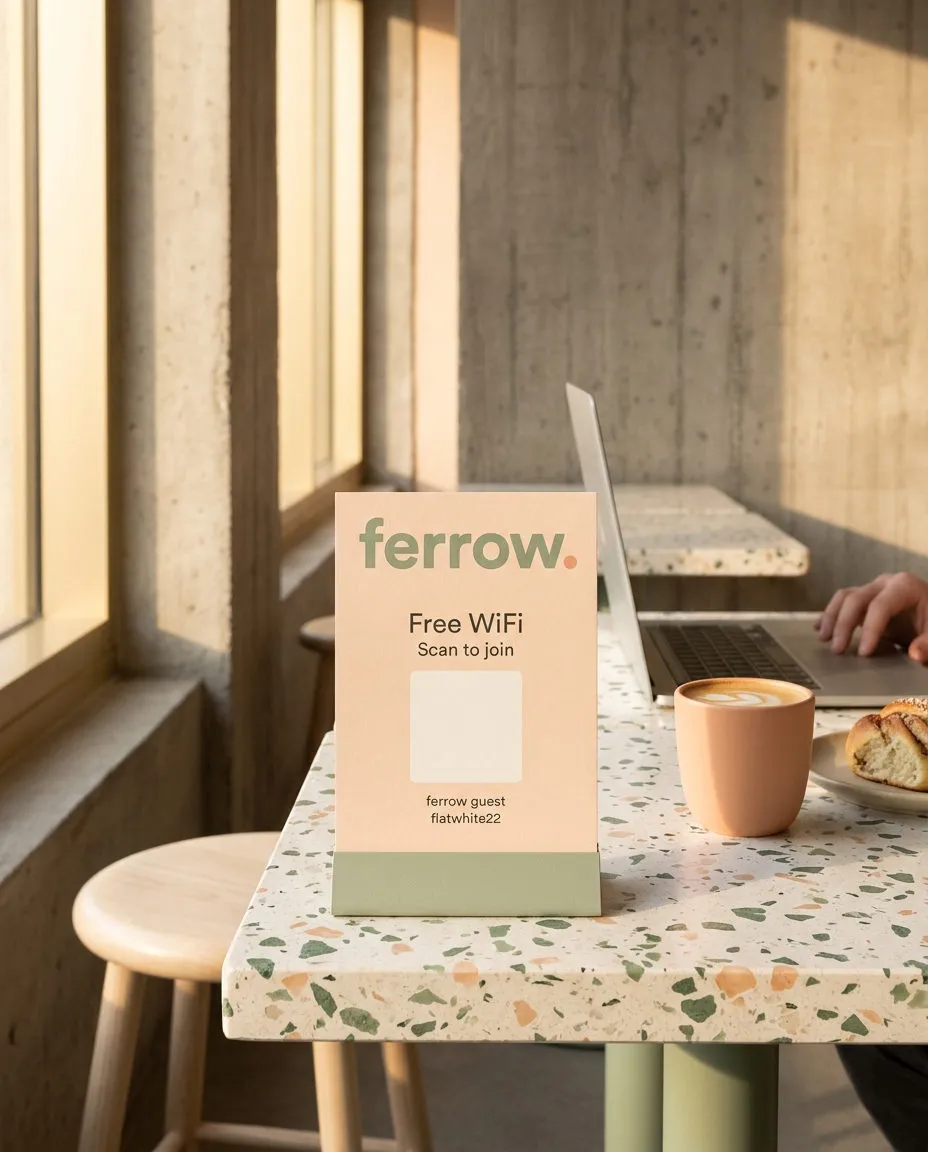
A WiFi code carries the password itself, so a new password needs a new code. Print it on something cheap to swap, like a card in a table stand or a sticker, rather than engraving it. For the menu or review card beside it, a Dynamic QR code can be edited without reprinting.
Create a free accountWhy not just write the password on a sign?
A written password has to be read, then typed, and long router passwords mix letters that look alike: l and 1, O and 0. Guests get it wrong, try again, then ask the staff, who end up spelling it out over the noise. A WiFi code skips all of it: one scan and the phone joins with the exact password. The password is still in the code, so it's no more secret than a sign, but nobody has to read it out loud.
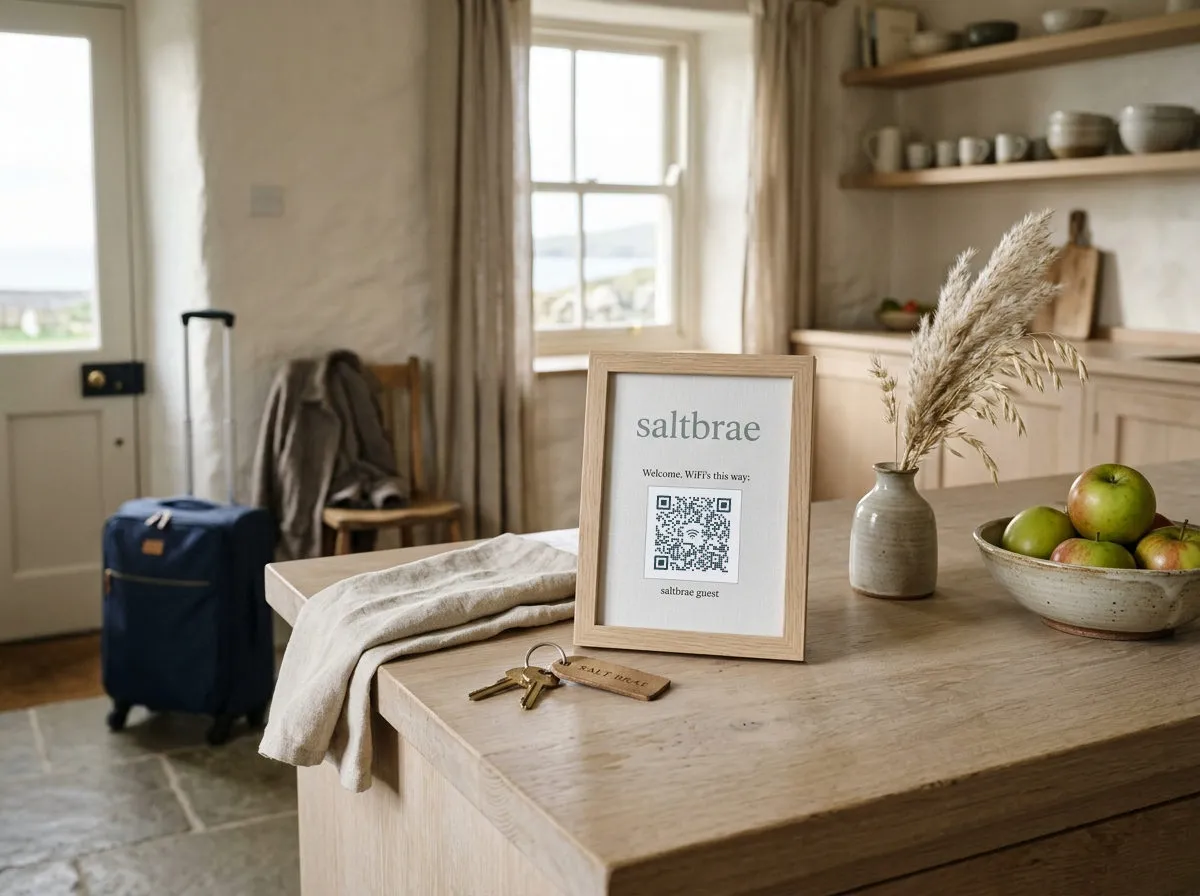
What does a WiFi QR code contain?
The code holds one line of text in a format phone cameras recognize, starting with WIFI:. QR Wave builds it from the three fields you fill in.
| Field | Example | Meaning |
|---|---|---|
| S: | S:Ferrow Guest; | Network name (SSID), exactly as it appears in the WiFi list |
| T: | T:WPA; | Security: WPA (covers WPA2 and WPA3), WEP, or nopass for an open network |
| P: | P:flatwhite22; | The password, left out for open networks |
Does it work with WPA3?
Yes. The WPA setting covers WPA, WPA2 and WPA3 personal networks, the single-password kind home and guest routers use. Networks that ask for a username as well as a password (WPA2 or WPA3 Enterprise, common in offices) can't be joined from a code.
What if the password has a semicolon or colon?
Those characters are part of the WIFI: format, so QR Wave escapes them with a backslash. Type the password as it is; the code still joins.
How do I get more scans from a WiFi QR code?
- Use a guest network. Anyone who scans can read the password from the code, and so can anyone who photographs it. Put the code on a separate guest network, which most routers offer, so visitors never share a network with your card terminal or office computers.
- Write the network name and password under the code. Some older phones and laptops can't scan. A small line beneath the code ("Ferrow Guest / flatwhite22") covers them without anyone asking.
- Scan it before you print. Test on an iPhone and an Android phone, standing where guests will stand. A typo in the network name or a capital letter in the wrong place is the most common reason a WiFi code fails.
- Print it at least 2 × 2 cm. Smaller codes fail on older cameras. Keep dark dots on a light background and leave the quiet zone around the code empty.
Frequently asked questions
Is it safe to put my WiFi password in a QR code?
As safe as printing it on a sign: anyone who scans can read it. Use a guest network for customers so the password can't reach your own devices.
Can I change the password without reprinting the code?
No. The password is stored in the code itself, so a new password needs a new code. That's true of every WiFi QR code, not just QR Wave's.
Why doesn't my phone offer to join?
Check that the network name matches exactly, including capitals and spaces, and that the phone is in range. Some Android camera apps need QR scanning turned on in settings; Google Lens reads the code too.
Do I need an account to make a WiFi QR code?
No. Make, style and download it on this page for free. An account only adds saving your codes for later.
Can I see how many people scanned my WiFi code?
No. Scanning joins the network directly without opening any link, so there's nothing to count. Scan counts are available on codes that open a link.